Can you remove Claude's watermark? The honest answer beats the hacks
Everyone's hunting for a trick to strip Claude's invisible watermark off their AI text. The trick doesn't exist the way you want it to, but the thing you actually need does, and it's simpler.
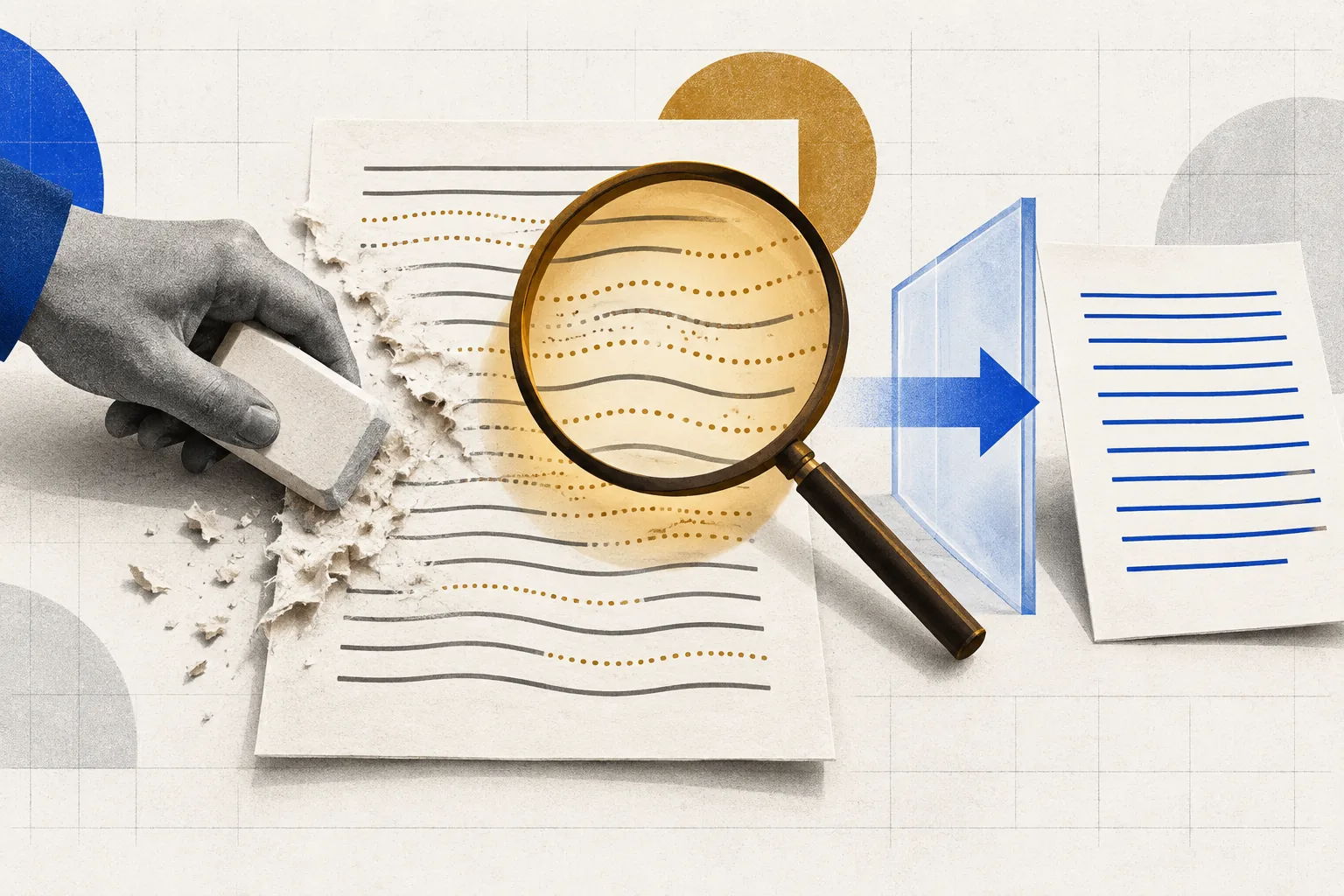
Since Anthropic started weaving an invisible watermark into Claude's text, one search has exploded: how do I get rid of it? The honest answer is not the one the how-to farms are selling. There is no reliable one-click stripper, the watermark only exists on raw machine output in the first place, and the moment you genuinely make the writing yours, there is nothing left to remove.
That is not a dodge, it is the actual mechanism. The mark rides on text Claude generated. Paste that text unchanged and it carries the mark; rewrite it in your own words and structure and the marked text is simply gone, replaced by yours. So the real question is not "how do I beat the detector" but "how do I use AI without publishing its raw output", and that has clean, legitimate answers.
It also has a line you should not cross. Stripping a mark to pass AI work as your own in a graded assignment, a paid commission, or a regulated disclosure is not a life hack; it is the thing the watermark exists to catch, and in the EU it can breach the AI Act. Below is what works, what wastes your time, and where the rules actually bite. (For how the watermark itself works, see our companion piece.)
What actually works, and what doesn't
1. Use AI for the thinking, write the words yourself, the only method that truly leaves no mark
Ask Claude to gather facts, outline the argument, list counterpoints, or critique your draft. Then close the tab and write the piece in your own voice from that scaffolding. Because the published sentences are yours, there is no Claude-generated text to carry a watermark, not because you defeated it, but because it was never there. This is also just better writing: your structure, your examples, your judgement.
2. Treat AI output as a source you quote and rebuild, not a draft you ship
Pull the useful claims out of Claude's response, verify them, and rewrite each in your own phrasing inside your own document. Substantial rewriting is exactly what Anthropic lists as something that can remove the mark, but the point is that heavy rewriting means you did the work, so the result is legitimately yours to sign. Copy-editing a machine draft lightly is not that, and both the mark and a reader can often tell.
3. Don't rely on paraphrase tools or "humanizers", they're fragile and self-defeating
Running marked text through a spinner or an AI "humanizer" may or may not disturb the watermark, and it degrades the writing while doing it, the tell that gets flagged by human editors and detectors alike. You also just fed your content to another AI, which may re-mark or fingerprint it. If the goal is genuinely your work, this is a slow path back to square one; if the goal is deception, it is the fragile trick this article is telling you to skip.
4. Translation round-trips: they can strip the mark, but they wreck the text
Translating out and back can break a statistical text watermark, which is why Anthropic names translation as something that may remove it. It also introduces awkward phrasing, lost nuance and factual drift: you trade an invisible mark for visible damage. If you speak the target language well enough to fix all that, you are back to method 1: rewriting it yourself.
5. Images are different: the mark is C2PA metadata, and stripping it defeats a feature
For generated images and files, Claude attaches signed C2PA provenance metadata rather than an in-pixel watermark. Standard tools that clear metadata will remove it, but C2PA is the thing that lets you prove an image wasn't tampered with, so deleting it throws away a credibility signal you might want. Keep it if you have nothing to hide.
6. Know where removal crosses from 'fine' to 'a real problem'
Removing a watermark from something you genuinely rewrote, for privacy or to avoid a false-positive AI-detector accusation on your own work, is a defensible personal choice. Stripping it to submit AI text as original coursework, sell it as bespoke human work, or dodge a legally required AI disclosure is dishonesty, a policy breach, or in the EU a possible Article 50 violation. The watermark doesn't create that line; it just makes crossing it visible.
So the attractive shortcut everyone is searching for collapses on inspection: the only method that reliably leaves no watermark is to not publish AI-generated text at all, to use the model as a research and drafting partner and do the writing yourself. That is not a loophole. It is what "using AI well" was always supposed to mean, and it happens to be watermark-proof for free.
If you only wanted the machine to do the work and put your name on it, no trick fixes that honestly, and this article is not going to hand you one. If you wanted leverage, faster research, sharper structure, a tireless editor. You already have it, and nothing you publish needs a mark removed. TaskNorth is built for that second workflow: describe your goal and get a route that uses AI as an assistant, not a ghostwriter.
Questions people ask
- Can you remove Claude's text watermark?
- Only by changing the text enough that it's no longer Claude's output. Anthropic says heavy editing, paraphrasing and translation can remove the mark, but that means doing real rewriting, at which point the words are yours and there was nothing to hide. There is no reliable one-click stripper, and light copy-editing often leaves the mark and the tell intact.
- How do I use Claude to write without a watermark?
- Use it for research, outlining, counter-arguments and critique, then write the final text yourself in your own voice. Because you wrote the published sentences, no Claude-generated text is present to carry a watermark. This is the only method that reliably leaves no mark, and it produces better, more original writing than editing a machine draft.
- Do AI 'humanizer' or paraphrasing tools remove the watermark?
- Unreliably, and at a cost. They may or may not disturb a statistical watermark, they degrade the writing in ways human editors and detectors notice, and they run your content through another AI that can re-mark or fingerprint it. If you want genuinely original work, they're a detour back to writing it yourself.
- Is it legal to remove an AI watermark?
- It depends on what you do next. Removing a mark from work you genuinely rewrote, for privacy, is generally a personal choice. But stripping it to pass AI text as original coursework, sell it as human-made, or evade a legally required disclosure can breach academic policy, contracts, or the EU AI Act's Article 50 transparency rules. This isn't legal advice.
Written 13 August 2026 as the honest counterpart to reader demand for watermark-removal tricks; it deliberately does not provide an evasion method, because the reliable way to have no watermark is to not publish raw AI output. Mechanics verified against Anthropic's help-center article "How Claude marks AI-generated content": text carries an imperceptible model-level watermark, files carry C2PA signed provenance metadata, and Anthropic states that heavy editing, paraphrasing, translation and format conversion may remove the text mark. Legal framing verified against the EU AI Act, Article 50(2) (machine-readable marking obligation, applicable 2 August 2026). We make no claim that any specific tool removes the watermark and provide no step-by-step evasion; the article's position is that own-voice writing, not removal, is the correct answer, and that removing a mark to deceive can breach academic, contractual or legal rules. Nothing here is legal advice. Conflict disclosure: TaskNorth's knowledge base recommends Claude among other AI tools.
Trying to work out which AI tools fit your task? Describe the outcome and get a Blueprint: the tools, the prompt, and the steps, with pricing we verified ourselves.