PhotoCraft is rebuilding Photoshop in Rust and agents can drive it
PhotoCraft is an ambitious clean-room image editor with layered PSD support, a native Rust engine and one command system shared by people, scripts and AI agents. Its architecture is already compelling; its own roadmap says the product is still alpha.
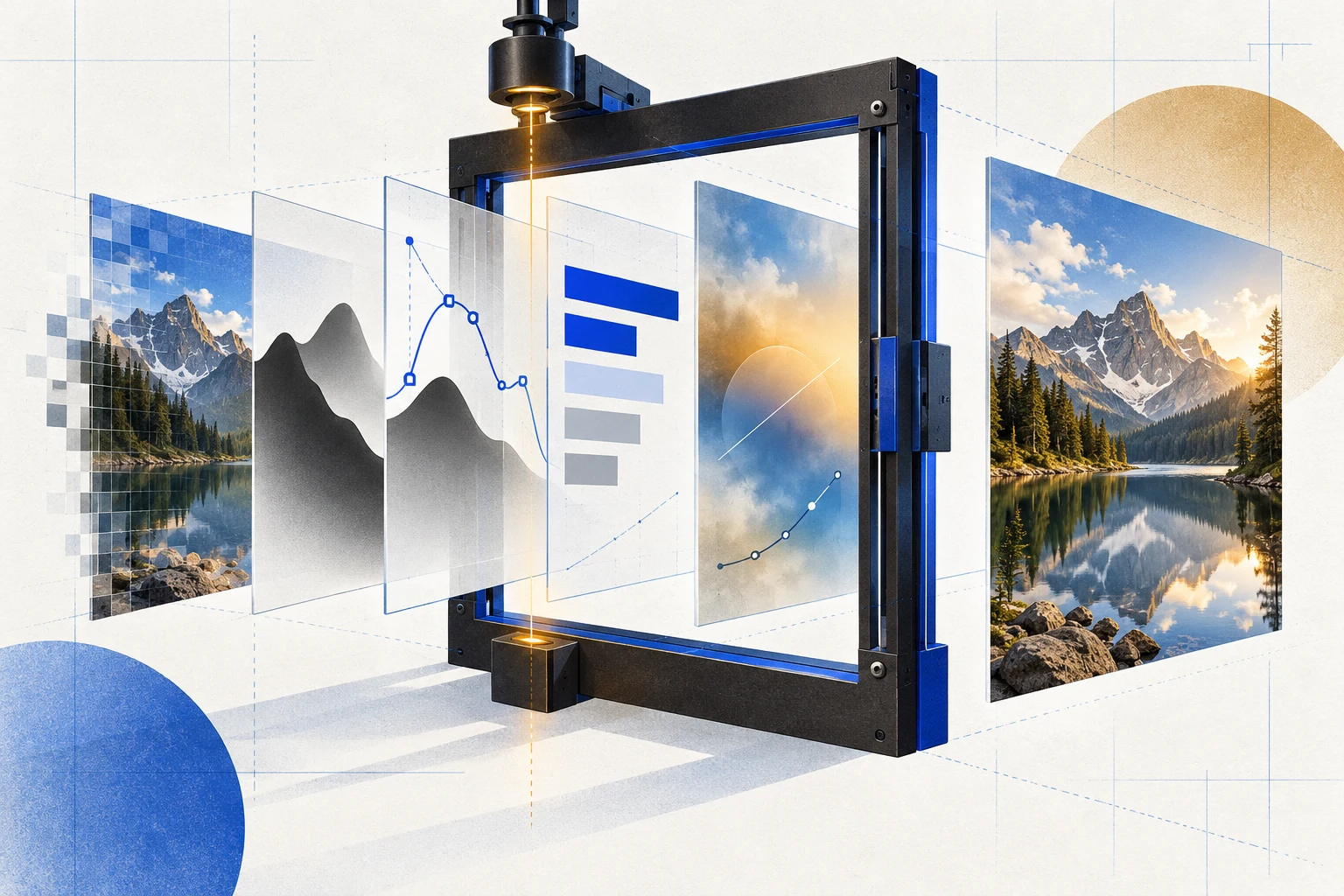
PhotoCraft looks at first like another promise to build a free Photoshop alternative. The repository is more interesting than that headline. It is a clean-room image editor written in Rust, designed around editable layers, masks, type, vectors, effects and real PSD files - and it publishes unusually specific evidence about what works, what fails and how much of the target application remains unmatched.
Under the interface sits a pure-data document model and a command engine split across 24 crates. The desktop UI is deliberately thin. A reference CPU compositor and a wgpu GPU compositor render the same document and are tested against each other, while sparse 256-by-256 copy-on-write tiles make large canvases and undo histories less expensive than copying every pixel after every action.
The agent story follows from that architecture rather than being bolted onto it. More than 500 commands feed the desktop UI, command line, JSON control channel and MCP server, so an agent can call the same operations a person clicks. That makes PhotoCraft a credible programmable graphics engine today. It does not make it a finished professional replacement: the project's own roadmap still labels it alpha.
What makes PhotoCraft technically different
One engine sits underneath every interface
The document model and command engine are the product's centre; the egui desktop shell is a client of them. The same core also powers the CLI, a local JSON control channel and an MCP server. This separation matters because automation does not need to imitate mouse clicks when the intended edit already exists as a typed command.
Agents receive real editing controls, not a chat box
PhotoCraft says every menu item, tool and dialog is backed by one registry of more than 500 commands. The CLI can open a PSD, apply commands and export a result headlessly, or replay an action list across a folder. Its MCP mode exposes that engine to an AI agent, while the authenticated loopback control channel can inspect UI state, send pointer events and capture offscreen screenshots.
Two compositors create a built-in correctness check
A CPU compositor acts as the reference implementation and a wgpu compositor sends the interactive canvas to Metal, Vulkan, DirectX 12 or WebGPU. Testing their output against each other gives the faster GPU path an oracle instead of treating visual plausibility as proof. This is a strong design choice for an editor where tiny blending errors can accumulate across many layers.
PSD support is broad, but the caveat is important
The maintainers report matching renders after open-and-resave for 307 of 309 files in the psd-tools corpus and 169 of 170 in a mixed corpus. They also say unsupported raw blocks and descriptors are preserved. Yet the roadmap warns that PSDs written by PhotoCraft are not reliably accepted by Photoshop in every case. A matching internal render is valuable evidence, not universal interchange certification.
The document model is built for large, reversible edits
Raster data is stored in sparse 256-by-256 copy-on-write tiles, so unchanged regions can be shared across history states instead of duplicated. Effect maps are cached per layer state. Together with live adjustment layers, masks, smart objects and editable filters, that architecture supports non-destructive work without making every undo step a full-canvas copy.
Desktop and browser builds share the Rust codebase
Official releases target macOS, Windows, Linux and FreeBSD, and the engine plus UI compile to WebAssembly for the browser. The release profile is explicitly tuned to keep the WebAssembly bundle under a size gate while preserving faster optimisation for pixel-processing crates. It is not a separate lightweight web editor pretending to be the desktop product.
The feature surface is already unusually wide
The repository documents layers, masks, adjustment layers, layer styles, vectors, type, brushes, selections, colour management and numerous import and export formats. That breadth is useful, but counts can overstate readiness: having a menu command is not the same as matching its target's quality, edge cases, speed, hardware behaviour or file compatibility.
The parity score is transparent about its limits
The roadmap's latest full measurement - against Photoshop 2026 version 27.11.0 while PhotoCraft was at 0.6.0 - estimates roughly 76% feature breadth but only about 45% readiness for real work. It separately reports missed performance budgets, a large bug backlog and weak plug-in and generative-AI coverage. Version 0.9.0 is now released, but the repository has not presented that older score as a fresh 0.9 measurement.
Clean-room rules make the ambition more credible
PhotoCraft says it is implemented from public specifications and observed behaviour, without proprietary Adobe code, shaders or assets. The code is offered under MIT or Apache-2.0, while branded assets retain separate terms. That does not settle every compatibility or trademark question, but it gives contributors a clearer boundary than a vague claim of cloning a commercial product.
The best users today are testers, builders and tolerant creators
PhotoCraft is already worth exploring if you want a scriptable graphics engine, an offline editor, a Rust codebase to study or a tool you can help improve. People whose livelihood depends on flawless PSD exchange, mature plug-ins, calibrated performance and predictable production behaviour should test representative files and workflows before trusting it with irreplaceable work.
PhotoCraft's strongest idea is not that open source can imitate a familiar interface. It is that a professional graphics application can be rebuilt around one inspectable command system, with reproducible tests and automation treated as first-class architecture. The agent can edit because the product itself is composable - not because a model has learned where the buttons usually are.
The velocity is striking: the first commit landed on 30 September 2026 and release 0.9.0 followed on 14 October. That pace deserves attention, but not blind confidence. The roadmap's honesty is part of the product: broad functionality and impressive engineering can coexist with alpha-level reliability. Try it on copies, verify the output, and judge the repository by how steadily those documented gaps close.
Explore the source
- storytold/photocraft on GitHub
The official source code, README, architecture, roadmap, issue tracker and releases referenced in this analysis.
Where we track this
- How Reverse Engineer Anything gives agents evidence →
Another open-source project that treats agent access as an interface and preserves the limits of what a tool actually observed.
- What an AI agent harness actually does →
Why a model becomes more useful when software exposes structured tools, permissions, memory and verification.
- Explore the TaskNorth AI tool library →
Compare practical tools by the outcome you need, with pricing, fit and cautions gathered in one place.
Questions people ask
- What is PhotoCraft?
- PhotoCraft is a free, open-source image editor written in Rust by the ArtCraft community. It supports layered editing, masks, type, vectors, brushes, effects and PSD files, and exposes the same editing engine through its desktop interface, CLI, JSON control channel and MCP server.
- Is PhotoCraft a finished Photoshop replacement?
- No. The project explicitly calls itself early alpha. Its feature breadth is already large, but its roadmap documents reliability, performance, PSD interchange, plug-in, hardware and UI-fidelity gaps. It is promising software to test, not yet a drop-in replacement for every professional workflow.
- Can PhotoCraft open and save PSD files?
- Yes. PhotoCraft can open, edit and save layered PSD and PSB documents, and its maintainers publish strong corpus round-trip results. The same roadmap warns that some files it writes are not yet reliably accepted by Photoshop, so users should test their own documents and keep originals.
- How can an AI agent control PhotoCraft?
- PhotoCraft exposes its shared command registry through an MCP server launched from the CLI. Agents can also use a local authenticated control channel to inspect the running app, drive tools and capture screenshots. The architecture avoids depending only on brittle visual clicking.
- Which platforms does PhotoCraft support?
- The project publishes builds for macOS, Windows, Linux and FreeBSD, plus a WebAssembly build that runs in a modern browser. Exact packages and architecture support vary by release, so the official GitHub release page is the current source of truth.
- Is PhotoCraft itself an AI image generator?
- That is not its present centre of gravity. PhotoCraft is an image editor and programmable graphics engine. Its roadmap rates generative-AI coverage as an early gap, while local smart-selection features and external agent control already exist. Agent-ready does not mean generation-first.
Written 16 October 2026 from the official storytold/photocraft repository at main commit 2b3d056 and release v0.9.0, published 14 October 2026. Architecture and product claims were checked against README.md, Cargo.toml and ROADMAP.md. The maintainers' reported corpus results, performance design and test counts were not independently reproduced by TaskNorth. The roadmap was last updated 13 October and its latest full parity measurement covers PhotoCraft 0.6.0 against Adobe Photoshop 2026 version 27.11.0; those percentages are therefore presented as a dated project estimate, not a fresh measurement of 0.9.0. Adobe and Photoshop are Adobe Inc. trademarks; PhotoCraft is independent and says it is not affiliated with or endorsed by Adobe. TaskNorth has no commercial relationship with PhotoCraft, ArtCraft or Adobe.
Trying to work out which AI tools fit your task? Describe the outcome and get a Blueprint: the tools, the prompt, and the steps, with pricing we verified ourselves.