Four AI agents you can build today, and the one prompt structure behind all of them
Coordination, creativity, clarity, coaching, what each one does, the five-part prompt that makes them work, and when to let them off the leash.
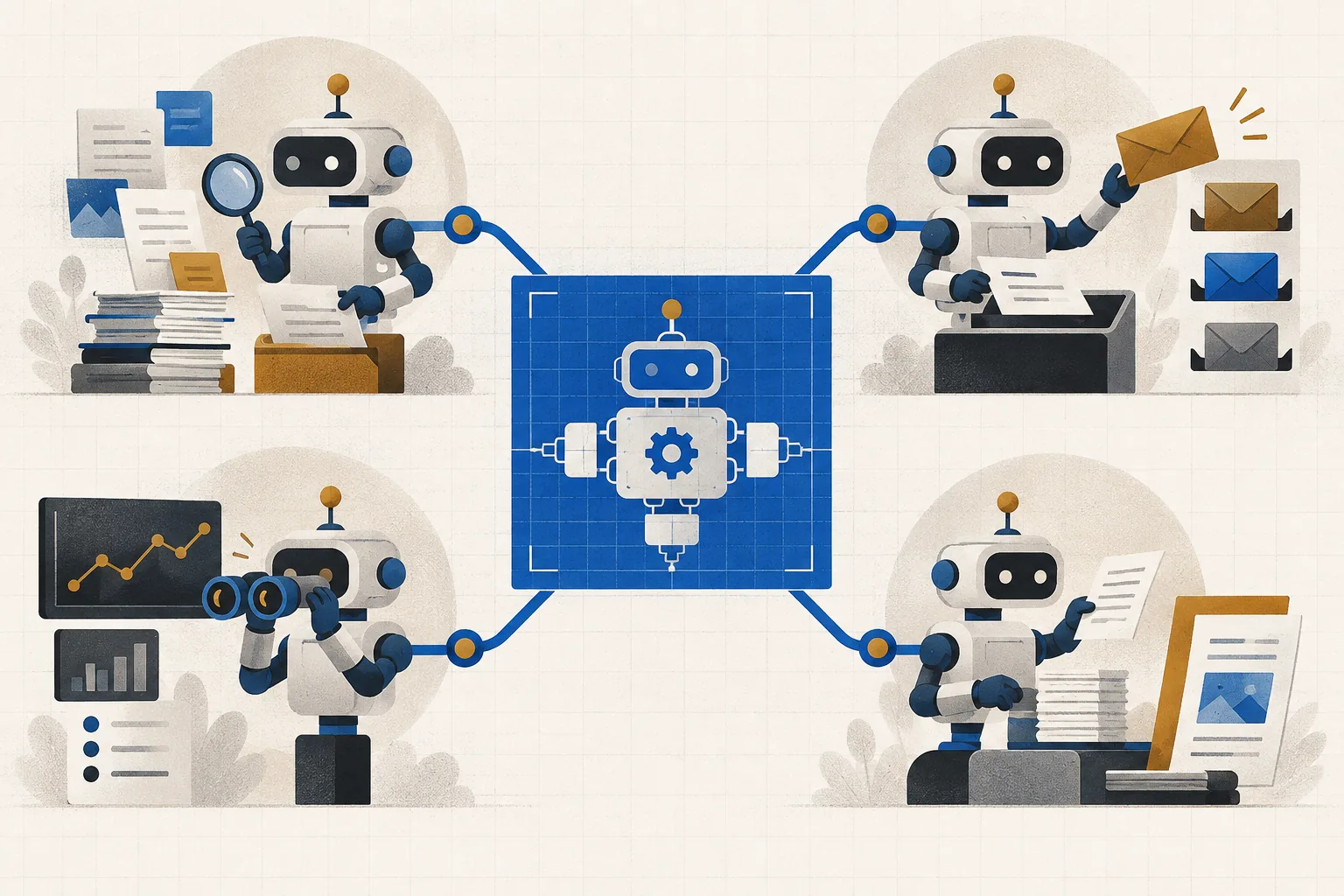
The useful part of most “build an AI agent” advice is smaller than the video it comes in. Here is the compressed version: four agents worth building, and the one habit that makes all of them work.
That habit is a five-part prompt, the job, the tool, the categories, the output, and the boundary. “Review my unread email from the last 24 hours, sort it into urgent, informational and ignore, draft replies to anything urgent in my voice, and send nothing without my approval” contains all five. Most disappointing agent output is a missing part, usually the boundary or the output format.
The four agents
Coordination, email, then calendar
Connect your inbox and let it sort the day into urgent, informational and ignore, drafting replies but never sending. Once you trust it, connect the calendar and ask it to compare the two: what conflicts, what needs prep before a meeting, what can wait. Add calendar only after email has earned it.
Creativity, rough notes into a real file
Point it at a folder of messy notes and ask for the artifact: “a 15-minute pitch deck for the CFO, eight to ten slides, ask me questions where my notes are thin.” Spend your effort on the output spec, audience, length, format, voice, because that is the part that decides whether the result is usable. Then direct edits like you would with a junior designer.
Clarity, telescope or microscope
Telescope: pull scattered information into one picture (“who is this company, what do our past emails say, what is recent in the news”). Microscope: break one dense document open. Don’t ask for a summary, a summary just makes a confusing contract shorter. Ask for a table: what it says, what it means in plain English, why it matters, risk level, questions to ask.
Coaching, rehearse before it counts
Give it the context and a persona: “you are the hiring manager, sharp and slightly skeptical, one question at a time, push back on weak answers.” Use voice mode so you actually speak the words. Then break character and ask where you rambled and what you should have said, the feedback pass is where the value is.
The rule that matters more than any of the four: make the work visible, then efficient, then automatic, and only then delegate. Agents get promoted the way people do, one step at a time, after the output has earned trust. Read the permission screen when you connect an account, start with read-and-draft rather than send, and keep genuinely sensitive material, medical, financial, out of it entirely.
And the honest constraint: these tools multiply whatever you bring. Come in clear and you get leverage; come in vague and you get a faster pile of vague.
Questions people ask
- Do you need coding skills to build an AI agent?
- No. Everything above is written in plain English inside a mainstream assistant, the work is connecting an account, describing the job, and setting a boundary. The skill being built is specification, not programming.
- What makes an AI agent prompt work?
- Five parts: the job to do, the tool or data it may use, the categories or structure to apply, the exact output you want, and the boundary it must not cross. Weak results usually trace to a missing output spec or a missing boundary.
- Is it safe to connect an AI agent to your email?
- Read the permission screen rather than clicking through it, and start with read-and-draft access so nothing sends without your approval. Widen access only once you have watched the output for a while, and keep sensitive personal data out of these workflows.
Condensed from a practitioner talk organising AI agents into four pillars, coordination, creativity, clarity and coaching. Statistics quoted in the original about email volume, interruption frequency and interview anxiety are not repeated here because we could not verify them against their cited sources. The workflows described work in any mainstream assistant; interface names differ, the structure does not.
Trying to work out which AI tools fit your task? Describe the outcome and get a Blueprint: the tools, the prompt, and the steps, with pricing we verified ourselves.